How to Create a Weekly Meal Plan That Actually Works
"What's for dinner?" doesn't have to be a nightly puzzle. Here's how to create a weekly meal plan that fits your real week, with a simple template and grocery list tips.
“What’s for dinner?”
It’s a small question, but asked every single night it adds up to a lot of thinking, a lot of last-minute store runs and more takeout than you planned. A weekly meal plan answers it once, for the whole week.
The trick is making a plan that fits your real life, not a perfect week that never happens. Here’s how.
In a nutshell
- Look at your week first, and match each night’s meal to how busy you’ll be.
- Check your fridge, freezer and pantry before you plan.
- Keep a list of go-to meals your household already likes.
- Plan four or five dinners, not seven, and leave room for leftovers.
- Turn the plan into a grocery list, sorted by store section.
Why meal planning helps
- Fewer decisions. You decide once a week, not every evening when you’re tired.
- Less food waste. You buy what you need for meals you’ve planned, and use up what you already have.
- Fewer store trips. One planned shop beats several “just a few things” runs.
- An easier budget. Planned meals make your grocery spending more predictable.
Step 1: Look at your week first
Before you choose a single meal, open your calendar. A meal plan that ignores your schedule falls apart by Tuesday.
- Which nights are busy, with late work, sports or after-school activities?
- Which nights do you have time to cook?
- Who’s home for which meals?
- Any events, dinners out or guests this week?
Then match the meal to the night: quick or make-ahead meals on busy nights, and the meals that take longer on the nights you have time.
Step 2: Check what you already have
Take two minutes to look in the fridge, freezer and pantry. Is there anything that needs using up, like vegetables, leftovers or something in the freezer? Plan those into the first few days of the week.
A kitchen inventory makes this even quicker. Keep a simple list of what’s in your freezer and pantry, and update it when you shop or cook.
Step 3: Keep a list of go-to meals
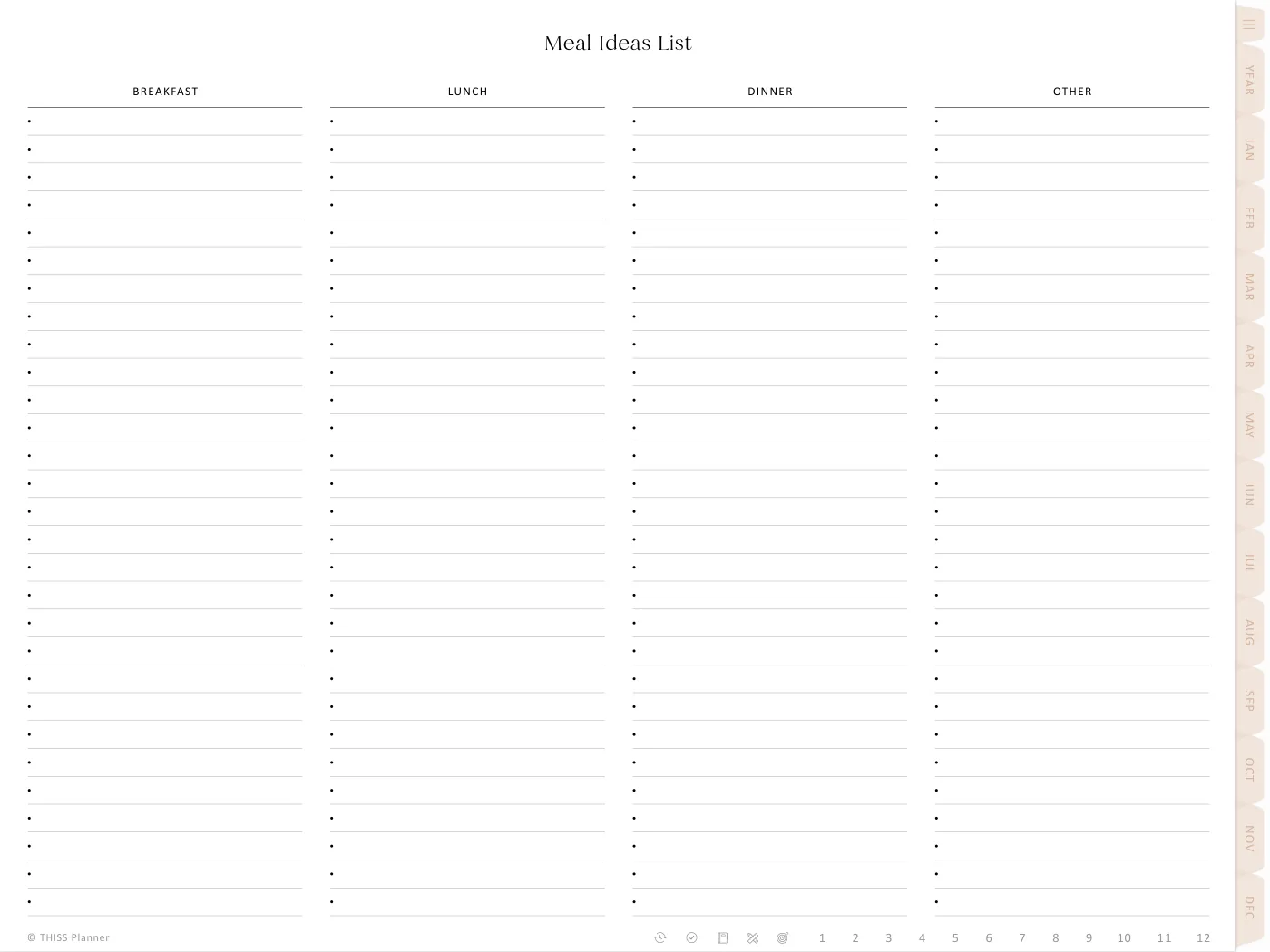
This is the secret to fast meal planning. Instead of starting from a blank page every week, keep a list of meals your household already likes, and choose from it.
Aim for 10 to 15 meals to start. It can help to group them:
- Quick meals for busy nights
- Make-ahead or slow cooker meals
- Freezer-friendly meals you can double
- Meatless meals
- Weekend or “something new” meals
Every time you try a new recipe everyone enjoys, add it to the list. Over time, meal planning becomes a quick pick-and-choose.
Step 4: Choose your meals for the week
Now fill in your week. A few tips that make the plan easier to keep:
- Plan four or five dinners, not seven. Leave a night or two for leftovers, a pantry meal or plans that change.
- Cook once, eat twice. Make a double batch and plan the leftovers for lunch or another dinner.
- Try theme nights if you like them, such as pasta night, soup night or a meatless night. They narrow the choices without making every week the same.
- Keep a backup meal you can make from the pantry or freezer, for the nights nothing goes to plan.
A simple weekly meal plan template
Here’s how a week might look. It’s only an example, so fill it in with your own meals and schedule.
| Day | The night looks like | Dinner idea |
|---|---|---|
| Monday | Busy | A quick meal from your go-to list |
| Tuesday | Normal | A double batch (half for Thursday’s lunch) |
| Wednesday | Late night | Slow cooker or make-ahead meal |
| Thursday | Normal | Use up what’s left in the fridge |
| Friday | Relaxed | Theme night, or takeout you’ve planned for |
| Saturday | Free | Try something new |
| Sunday | Free | Leftovers, or prep for the week ahead |
You can add breakfast, lunch and snacks too, but if you’re new to meal planning, start with dinners. It’s where planning makes the biggest difference.
Step 5: Write your grocery list
Go through each planned meal and write down what you need, crossing off anything you already have. Then sort the list by store section, so the shop is quicker:
- Fruit and vegetables
- Meat, fish and alternatives
- Dairy and eggs
- Bakery
- Pantry
- Frozen
- Household
Keep your list somewhere you’ll have it at the store. If you order online, the same list makes your order much faster.
Step 6: Prep a little ahead (optional)
You don’t need a full meal prep session, but a little prep goes a long way on busy nights:
- Wash and chop vegetables when you get home from the store.
- Cook a batch of rice, grains or pasta to use over a few days.
- Make a sauce or soup ahead.
- Move tomorrow’s freezer meal to the fridge the night before.
Step 7: Review and reuse your plans
At the end of the week, take a minute to look back. Which meals worked? Which didn’t get made? Move the winners to your go-to list.
Keep your best weekly plans, too. After a month or so, you’ll have a handful of tried-and-tested weeks you can simply reuse, which makes meal planning almost effortless.
When the plan changes
It will, and that’s fine. A meal plan is a guide, not a rule.
- Swap two nights around if your week shifts.
- Push a meal to next week if its ingredients will keep.
- Freeze anything that won’t keep.
- Use your backup meal, guilt-free.
Meal planning in a digital planner
Keeping your meal plan in the same place as your calendar makes Step 1 easy, because your busy nights are right there. In a digital planner, plan your meals during your weekly planning session, then keep your grocery list on your iPad for the store. (Here’s how to plan your week in a digital planner.)
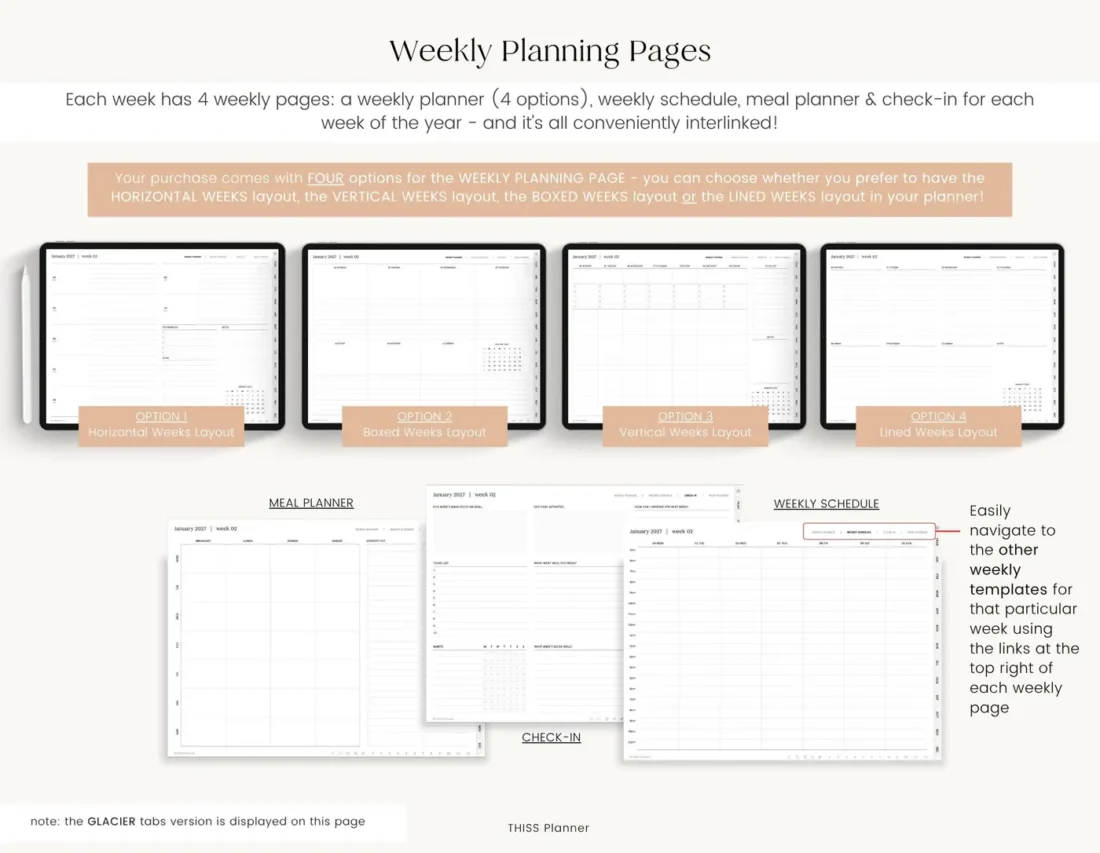
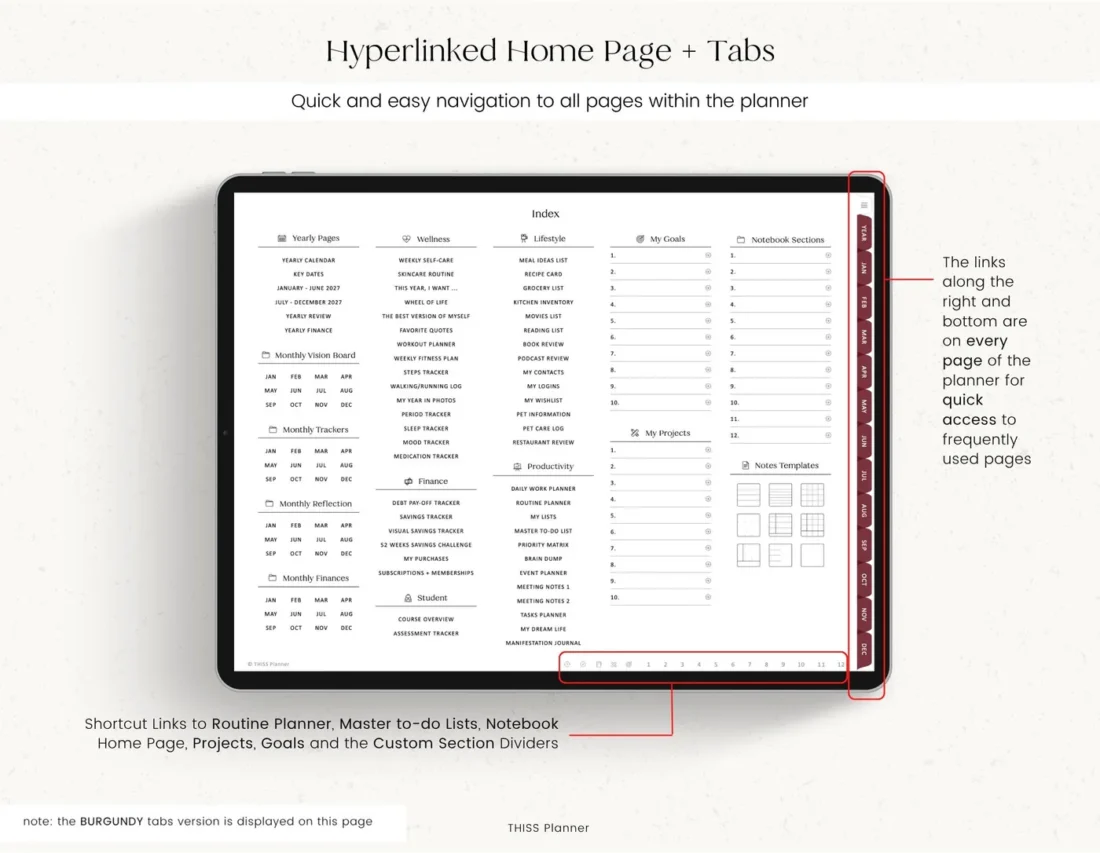
The THISS 2027 Digital Planner includes a meal planner for every week, plus a meal ideas list, recipe cards, a grocery list and a kitchen inventory, so your go-to meals, recipes and shopping list all live in one place.
Common questions
How do I start meal planning for beginners?
Start small: plan three or four dinners for next week, based on meals you already know how to make. Write one grocery list for them, and build from there.
How many meals should I plan each week?
Four or five dinners is a good place to start. Leave the other nights for leftovers, a backup meal or plans that change.
What’s the best day to meal plan?
Whichever day comes just before your main grocery shop. Many people plan on the weekend, so they can shop before the week starts.
How do I stick to a meal plan?
Plan around your real schedule, keep it flexible, and choose meals your household already likes. A plan that fits your week is much easier to follow than an ambitious one.
Should I plan breakfast and lunch too?
Only if it helps. Many people repeat the same few breakfasts and lunches, so planning dinners is enough. Planned leftovers make easy lunches.
Here’s to calmer weeknights, and fewer “what’s for dinner?” moments!
Keep reading: How to plan your week in a digital planner, How to budget with a digital planner and How to keep all your plans in one digital planner.