Goodnotes vs Notability: Which Is Better for You?
Choosing between Goodnotes and Notability? Here's an honest comparison of prices, free plans, devices and features, and which one suits digital planning best.
Goodnotes and Notability are the two apps most people choose for handwritten notes and digital planning on an iPad. Both let you write with an Apple Pencil, import PDFs, record audio and back up your notes. So which one should you pick?
It depends on what you’ll use it for. Here’s how they compare on price, devices and features, with a quick answer at the end. Prices and plans were checked on the official websites on November 22, 2026, and apps change often, so check the links below before you buy.
THISS isn’t affiliated with Goodnotes or Notability, and this comparison isn’t sponsored.
In a nutshell
- Goodnotes suits digital planners especially well: Read Only Mode makes linked tabs easy to use, Elements keeps stickers a tap away, and it runs on more devices, including Windows and Android.
- Notability shines for lectures and meetings: recordings link to what you write, and its free plan includes planners and stickers.
- Both have free plans with limits, yearly subscriptions and a one-time purchase option.
- Both auto-back up to Google Drive, Dropbox, OneDrive and WebDAV.
Goodnotes vs Notability at a glance
| Goodnotes | Notability | |
|---|---|---|
| Free plan | 3 notebooks, 5 MB import limit | 5 notes |
| Yearly plans | Essential $11.99, Pro $35.99 | Lite, Plus and Pro, from $11.99 to $79.99 on notability.com |
| One-time purchase | Special Edition (Apple devices only) | Notability Classic (no AI) |
| Devices | iPad, iPhone, Mac, Vision Pro, Android, Windows, web | iPad, iPhone, Mac, Vision Pro, Android, web |
| Linked PDF planners | Read Only Mode, or touch and hold a link | Help guide for using digital planners (tap the tabs) |
| Stickers | Elements tool, with your own collections | Built-in planners and stickers, plus your own |
| Audio linked to notes | Yes (Note Replay) | Yes |
| Auto-backup | Google Drive, Dropbox, OneDrive, WebDAV | Box, Dropbox, Google Drive, OneDrive, WebDAV |
| Apple Family Sharing | Some purchases | No |
Price and plans
Goodnotes
- Free: up to 3 notebooks, 3 text documents, 3 whiteboards and 3 folders, with 100 MB of storage and a 5 MB import limit. Exports carry a watermark, audio is limited to 20 minutes per notebook, and templates aren’t included.
- Essential: $11.99 a year.
- Pro: $35.99 a year, which adds features like real-time collaboration and syncing across Apple and non-Apple devices.
- Special Edition: a one-time purchase for Apple devices, listed on the App Store at $35.99.
- AI Pass: an optional add-on at $9.99 a month.
See the current prices on the Goodnotes pricing page.
Notability
- Starter (free): up to 5 notes, plus access to over 20,000 templates.
- Lite, Plus and Pro: $11.99, $15.99 and $79.99 a year on notability.com. The App Store lists higher prices for the same plans ($14.99, $19.99 and $99.99).
- Notability Classic: a one-time purchase, $39.99 on notability.com or $49.99 on the App Store, with no AI features.
See the current prices on the Notability pricing page.
The difference: for one person, the entry-level yearly plans cost about the same. Goodnotes’ free plan allows a few more documents, but its 5 MB import limit matters for planners, because full-year planner PDFs are often larger. Notability’s free plan includes its own planners and stickers.
Devices
Goodnotes runs on iPad, iPhone, Mac, Apple Vision Pro, Android, Windows and the web. Syncing between Apple devices uses iCloud, while syncing one library across Apple and non-Apple devices needs the Pro plan.
Notability runs on iPad, iPhone, Mac, Apple Vision Pro, Android (12L or later) and the web, synced through Notability Cloud. There’s also a Windows and Mac desktop app built around recording meetings.
If you use a Windows laptop or an Android tablet alongside your iPad, Goodnotes covers more of your devices.
For digital planning
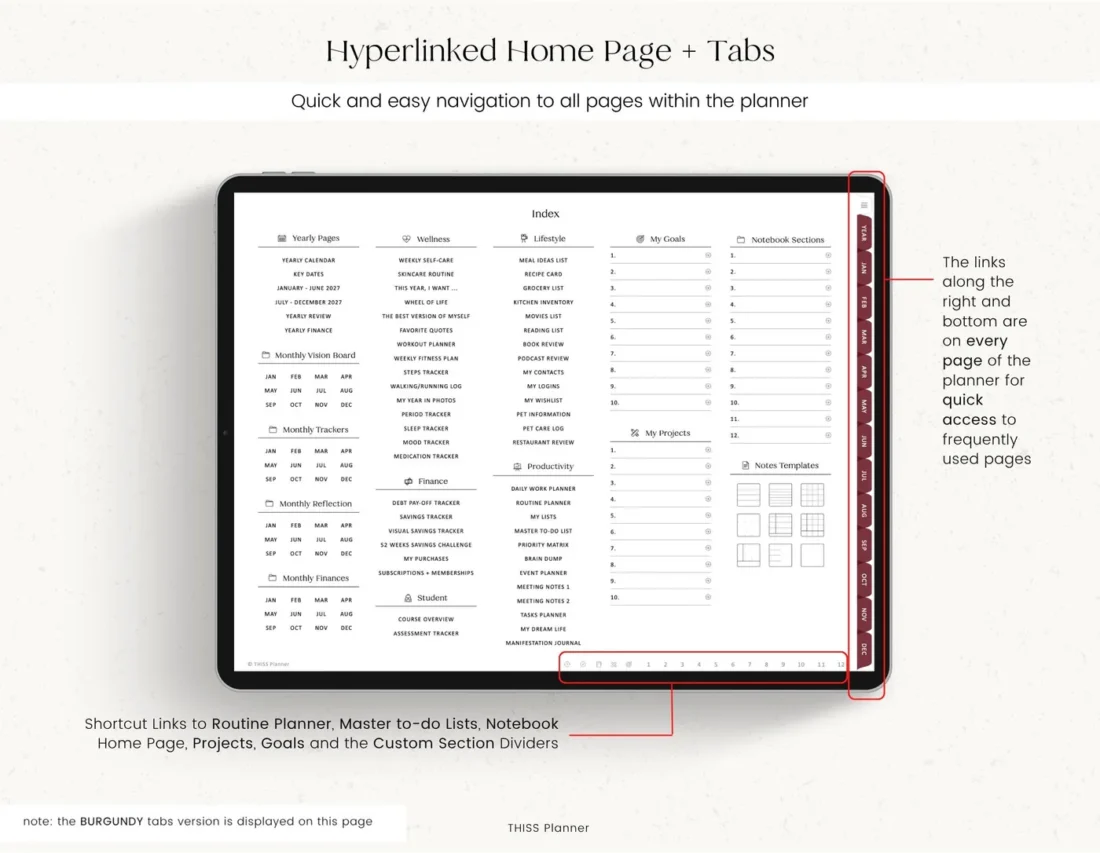
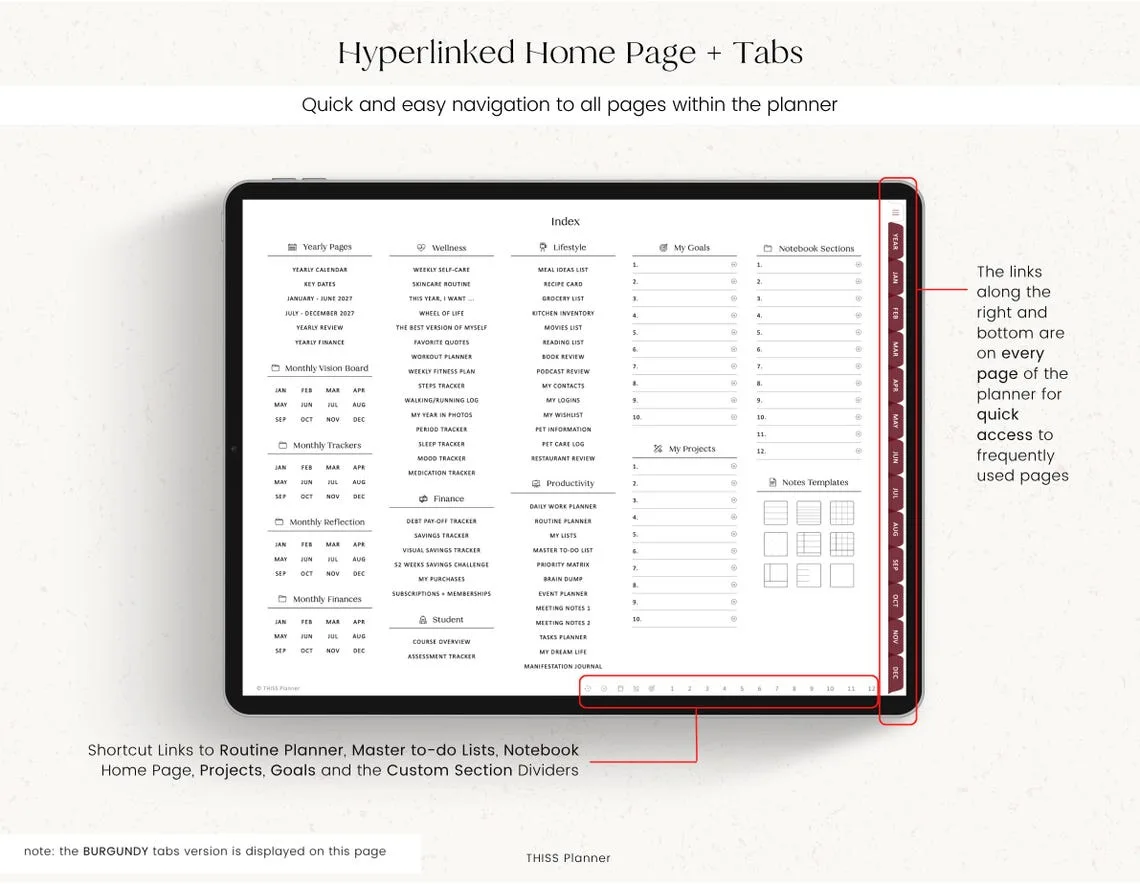
A digital planner is a PDF full of links: tabs for each month, dates that jump to each day, and a home page that ties it all together. How easily you can tap those links matters every single day.
- Goodnotes: switch on Read Only Mode, and every tap opens a link without writing on the page. While writing, you can also touch and hold a link and choose Open Link. If you export your planner, an editable PDF keeps the links; a flattened PDF doesn’t.
- Notability: Notability’s help center has its own guide to using digital planners, where you move around by tapping the tabs. A PDF’s built-in outline also appears automatically in Notability’s Content Manager.
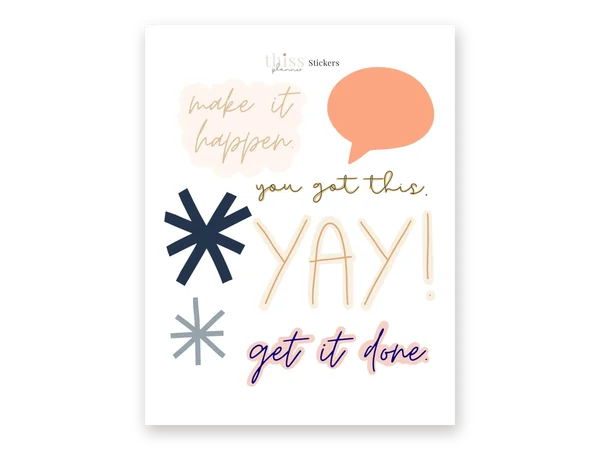
For stickers, Goodnotes’ Elements tool lets you build your own sticker collections and add any sticker with a tap. Notability includes free planners and stickers for all users, and you can save your own stickers too.
Both apps let you search your handwriting, draw neat shapes and use a lasso tool to move things around. Goodnotes supports handwriting search in English and other languages on Apple devices; in Notability, converting handwriting to typed text is part of the Plus, Pro and Classic options.
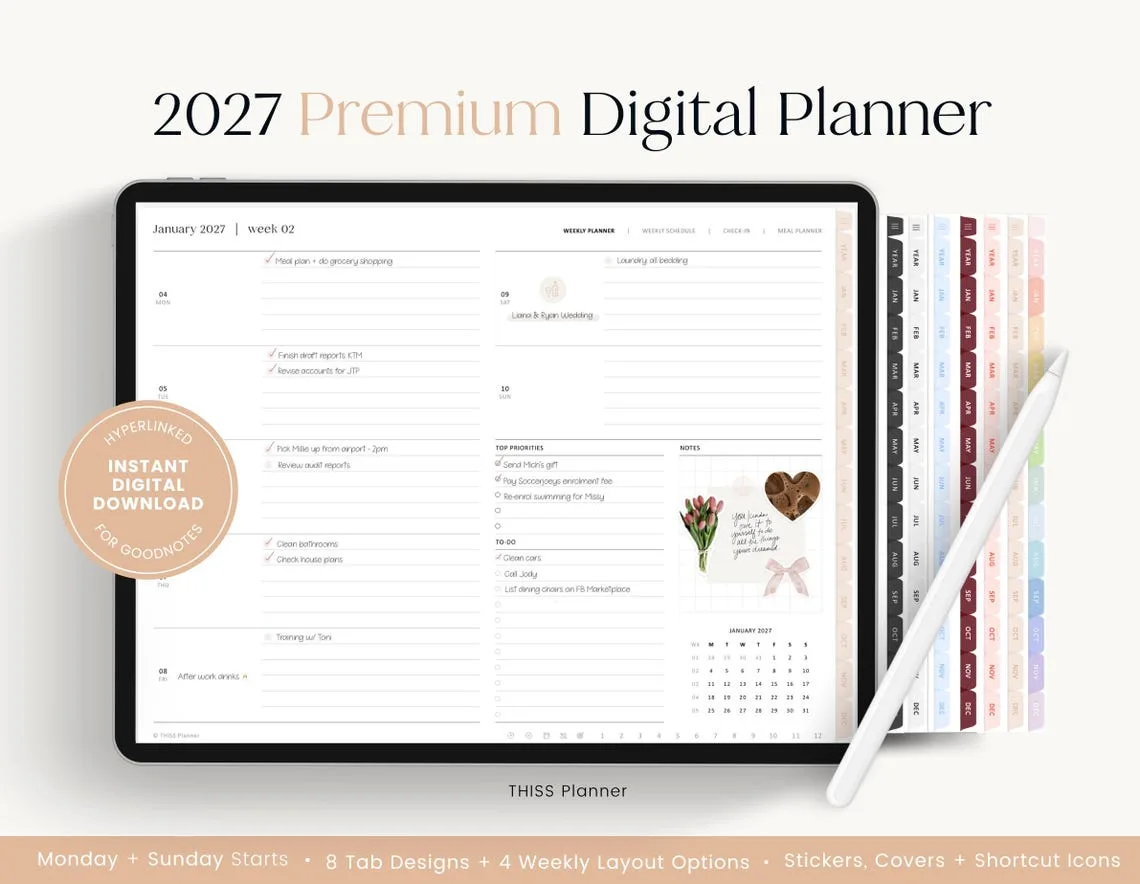
THISS planners are tested in Goodnotes on an iPad Pro with Apple Pencil, and they work in Notability too. Here’s how to use a digital planner in Goodnotes, step by step.
For school, work and meetings
- Audio: both apps link recordings to your notes. In Notability, tap anything you wrote during playback to jump to that moment. Goodnotes’ Note Replay plays your handwriting back in sync with the audio.
- Collaboration: Notability has Live Collaboration with edit or view-only access. In Goodnotes, Essential includes public link sharing, and Pro adds private links and real-time collaboration.
- AI: Goodnotes includes 10 AI credits a month on the free plan and 525 on Essential and Pro, with some AI tools needing Pro or the AI Pass. Notability Plus includes limited AI, and Pro adds unlimited transcription, summaries and chatting with your notes.
Backup and sync
Both apps can back up your notes automatically, which is worth turning on whichever you choose:
- Goodnotes: Automatic Backup to Google Drive, Dropbox, OneDrive or WebDAV, as Goodnotes files, PDFs or both. iCloud Sync keeps your Apple devices in step.
- Notability: Auto-Backup to Box, Dropbox, Google Drive, OneDrive or WebDAV (not available on Android), plus Notability Cloud for syncing.
Neither app’s automatic backup saves to iCloud Drive, so choose one of the other services.
Which should you choose?
- Choose Goodnotes if digital planning is your main use, you love stickers, or you want your notes on Windows or Android as well as your iPad.
- Choose Notability if you record lectures or meetings and want audio tied closely to your notes, or you’d like built-in planners and stickers on a free plan.
- Not sure? Try both free plans. Import the same planner or notes into each and use them for a week.
Common questions
Is Goodnotes or Notability better for digital planners?
Both work, but Goodnotes is especially well suited: Read Only Mode makes linked tabs easy to use, and Elements makes stickers quick to add. Notability is a strong choice if you also take a lot of recorded notes.
Are Goodnotes and Notability free?
Both have free plans with limits. Goodnotes Free allows three notebooks with a 5 MB import limit, and Notability Starter allows five notes. For a full-year planner, you’ll likely need a paid plan or the one-time purchase.
Is there a one-time purchase option?
Yes. Goodnotes offers Special Edition for Apple devices, and Notability offers Notability Classic, which doesn’t include AI features.
Can I switch from Notability to Goodnotes (or the other way)?
Yes. The simplest way to switch a planner is to import the original planner PDF into the new app and carry on from there. Notability can also export notes as PDFs.
Do THISS planners work in both apps?
Yes. THISS planners are interactive PDFs made for apps like Goodnotes and Notability, and tested in Goodnotes on an iPad Pro with Apple Pencil. The getting started guide covers both apps.
The bottom line
You can’t go far wrong with either app. If your iPad is mostly for planning, Goodnotes is a lovely fit. If it’s mostly for lectures and meetings, Notability is hard to beat. Either way, turn on automatic backup, and enjoy going paperless.
Looking for a planner to use in either app? Have a look at the THISS 2027 Digital Planner, or start with what digital planners are and how they work.
Keep reading: How to use a digital planner in Goodnotes, Portrait or landscape digital planner and How to add stickers to Goodnotes.