The Best Note-Taking Apps for iPad, Compared
Goodnotes, Notability, Apple Notes or something else? Here's how eight popular iPad note-taking apps compare on price, devices, handwriting tools and digital planners.
Your iPad and Apple Pencil are only as good as the app you write in. Some apps are built for lecture notes, some for sketching ideas, and some for hyperlinked digital planners. Pick the wrong one and you’ll fight it every day.
Here’s how eight popular note-taking apps compare on price, devices, handwriting tools and how well they handle digital planners. Everything below comes from each app’s own website, help pages and App Store listing, checked on November 23, 2026. Prices and features change often, so check the official pages before you buy.
THISS isn’t affiliated with any of these apps, and this comparison isn’t sponsored. THISS planners are tested in Goodnotes on an iPad Pro with Apple Pencil.
In a nutshell
- For digital planners: Goodnotes, with Notability a close second.
- Free and already on your iPad: Apple Notes.
- Free on every device, including Windows and Android: Microsoft OneNote.
- One-time purchase, no subscription: ZoomNotes or CollaNote.
- Turning handwriting into typed text: MyScript Notes (formerly Nebo).
The apps at a glance
| App | Free version | Paid options | Devices |
|---|---|---|---|
| Goodnotes | Up to 3 files | From $11.99/year; one-time Special Edition on the App Store | Apple devices, Android, Windows, web |
| Notability | 5 notes | From $11.99/year; one-time Notability Classic | Apple devices, Android, web; Windows app for meetings |
| Apple Notes | Free, no purchases | None | iPad, iPhone, Mac, Vision Pro; web at iCloud.com |
| Noteshelf 3 | Up to 3 notebooks | Premium subscription or lifetime option | Apple devices, Android, Windows, Chromebook |
| CollaNote | Free (notes up to 10 pages) | One-time lifetime Premium | iPad, iPhone, Mac |
| MyScript Notes | Limited free version after a 7-day trial | Subscription | Apple devices, Android, Windows (as Nebo) |
| Microsoft OneNote | Free, with 5 GB of storage | Microsoft 365 for more storage | Windows, Mac, iPad, iPhone, Android, web |
| ZoomNotes | ZoomNotes Lite is free | $7.99 one-time | iPad, iPhone, Mac, Vision Pro |
What to look for in a note-taking app
- PDF import: essential if you use digital planners, worksheets or printables.
- Working links: a hyperlinked planner is only useful if you can tap its tabs and dates.
- Handwriting tools: pen styles, handwriting search, and turning handwriting into text.
- Stickers and images: a quick way to add and reuse stickers makes decorating easy.
- Backup: automatic backup to a cloud service you already use.
- Devices: do you need your notes on a Windows laptop or Android phone too?
- Price model: a yearly subscription, a one-time purchase, or free.
1. Goodnotes
Goodnotes is one of the most popular apps for digital planning, and the one THISS planners are tested in.
- Price: free for up to 3 files, with a 5 MB import size limit and 20 minutes of audio. Essential is $11.99 a year and Pro is $35.99 a year. The App Store also lists a one-time Special Edition.
- Devices: iPad, iPhone and Mac, plus Android, Windows and the web.
- Good for: digital planners. Read Only Mode lets you tap a planner’s links without writing on the page, and the Elements tool keeps your stickers a tap away. It also has handwriting search, handwriting-to-text conversion and audio recording synced to your notes.
- Keep in mind: the free plan’s 5 MB import limit is smaller than many full-year planner PDFs.
New to it? Here’s how to use a digital planner in Goodnotes.
2. Notability
Notability is a favorite with students, thanks to its audio recording that links to what you write.
- Price: free for 5 notes. Lite, Plus and Pro cost $11.99, $15.99 and $79.99 a year on notability.com, and there’s a one-time Notability Classic option.
- Devices: iPad, iPhone and Mac, Android (12L or later) and the web, plus a Windows app focused on recording meetings.
- Good for: lectures and meetings. Recordings sync with your notes, so you can tap what you wrote to hear that moment. Its own help center has a guide to using digital planners.
- Keep in mind: the free plan’s 5-note limit fills up quickly.
Choosing between the top two? Here’s Goodnotes vs Notability, compared in detail.
3. Apple Notes
Apple Notes comes free on every iPad, with no in-app purchases.
- Price: free.
- Devices: iPad, iPhone, Mac and Apple Vision Pro, plus the web at iCloud.com.
- Good for: quick notes and lists. You can search your handwriting, copy handwriting as typed text, mark up a PDF with Apple Pencil, and record and transcribe audio in a note. On supported iPads with iPadOS 18 or later, Smart Script can refine your handwriting as you write.
- Keep in mind: Apple doesn’t document whether links inside an imported PDF can be tapped, so it isn’t our pick for hyperlinked planners.
4. Noteshelf 3
Noteshelf is a long-standing handwriting app with a free plan and wide device support.
- Price: free for up to 3 notebooks. Premium is available as a subscription, and the App Store also lists a lifetime option.
- Devices: iPad, iPhone, Mac and Apple Watch, plus Android, Windows and Chromebook.
- Good for: handwriting in many languages. Premium turns handwriting into text and searches your notes in 65 languages. It also records audio and imports PDFs, Word and PowerPoint files.
- Keep in mind: Noteshelf says full sync across every platform is still in the works, so check it covers your devices.
5. CollaNote
CollaNote is a free app for Apple devices with a one-time upgrade.
- Price: free, with notes of up to 10 pages. Premium is one payment, for life, with no subscription.
- Devices: iPad, iPhone and Apple-silicon Macs. There’s no Android, Windows or web version.
- Good for: a budget-friendly start. It can convert handwriting to text, record audio and mark up PDFs, and CollaNote’s own planners have working tabs and links.
- Keep in mind: it syncs through iCloud Drive only, so it’s best if all your devices are Apple.
6. MyScript Notes (formerly Nebo)
MyScript Notes is known for turning handwriting into neat, typed text.
- Price: a 7-day trial, then a limited free version, with monthly and yearly subscriptions for full access.
- Devices: iPad, iPhone and Mac (M1 or later), plus Android and Windows (where it’s still called Nebo).
- Good for: converting handwriting, math and diagrams into typed text and clean shapes. Its website also says you can jump to any page of an imported PDF by tapping internal links.
- Keep in mind: it needs a free MyScript account to sync.
7. Microsoft OneNote
OneNote is free and available on almost every device.
- Price: free to download and use, with 5 GB of storage on a free Microsoft account. Microsoft 365 plans add more storage.
- Devices: Windows, Mac, iPad, iPhone, Android and the web.
- Good for: notes you need on every device, including work computers. It supports digital ink and audio recording.
- Keep in mind: Microsoft says OneNote for iPad doesn’t currently convert handwriting to text, and PDFs are inserted as printouts (images of each page), so it isn’t built for hyperlinked planners.
8. ZoomNotes
ZoomNotes is a feature-packed app for Apple devices, sold as a one-time purchase.
- Price: $7.99 one-time. ZoomNotes Lite is free, with features you can unlock.
- Devices: iPad, iPhone, Mac and Apple Vision Pro.
- Good for: anyone who wants to avoid subscriptions. It has handwriting search, handwriting-to-text conversion, linked sound recording, and its manual includes a digital planner option when you import a PDF.
- Keep in mind: it’s Apple-only.
Which app is best for digital planning?
For a hyperlinked digital planner, you need an app that imports PDFs, lets you tap the links, and makes writing and decorating easy. Goodnotes and Notability are the most common choices, and both are made for it. If you’d rather avoid a subscription, ZoomNotes is worth a look.
Whichever app you choose, try it with the free version first: import your planner, tap a few tabs and write on a weekly page. If it feels natural after a week, you’ve found your app.
Common questions
What is the best free note-taking app for iPad?
Apple Notes is free and already on your iPad, with handwriting search and PDF markup. Microsoft OneNote is also free and works on almost every device. For digital planners, the free versions of Goodnotes and Notability are a good way to try before you buy.
Which note-taking apps work with digital planners?
Goodnotes and Notability are the most popular for hyperlinked PDF planners. MyScript Notes says you can tap internal links in imported PDFs, and ZoomNotes has a digital planner option when you import a PDF.
Is there a note-taking app without a subscription?
Yes. ZoomNotes is a one-time purchase, CollaNote Premium is a single lifetime payment, and Goodnotes and Notability both offer one-time options alongside their subscriptions. Apple Notes and OneNote are free.
Do these apps work with Apple Pencil?
Yes, all eight support handwriting with Apple Pencil on iPad. Just check which Apple Pencil works with your iPad on Apple’s Apple Pencil compatibility page.
Find your app, then your planner
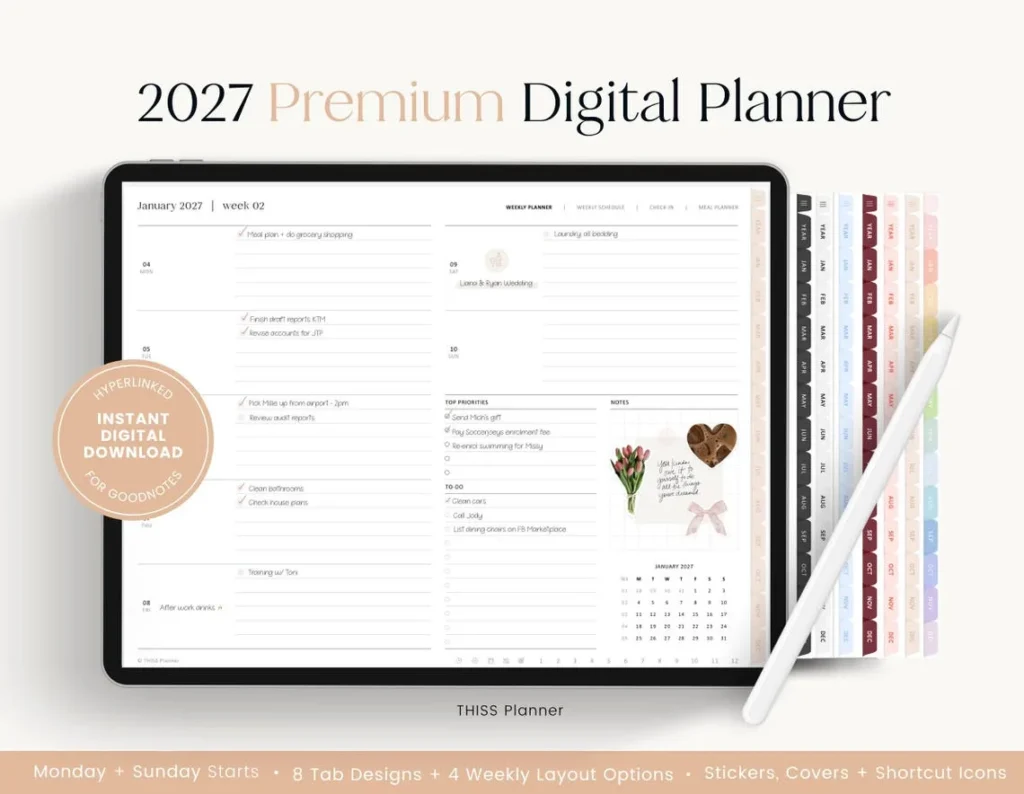
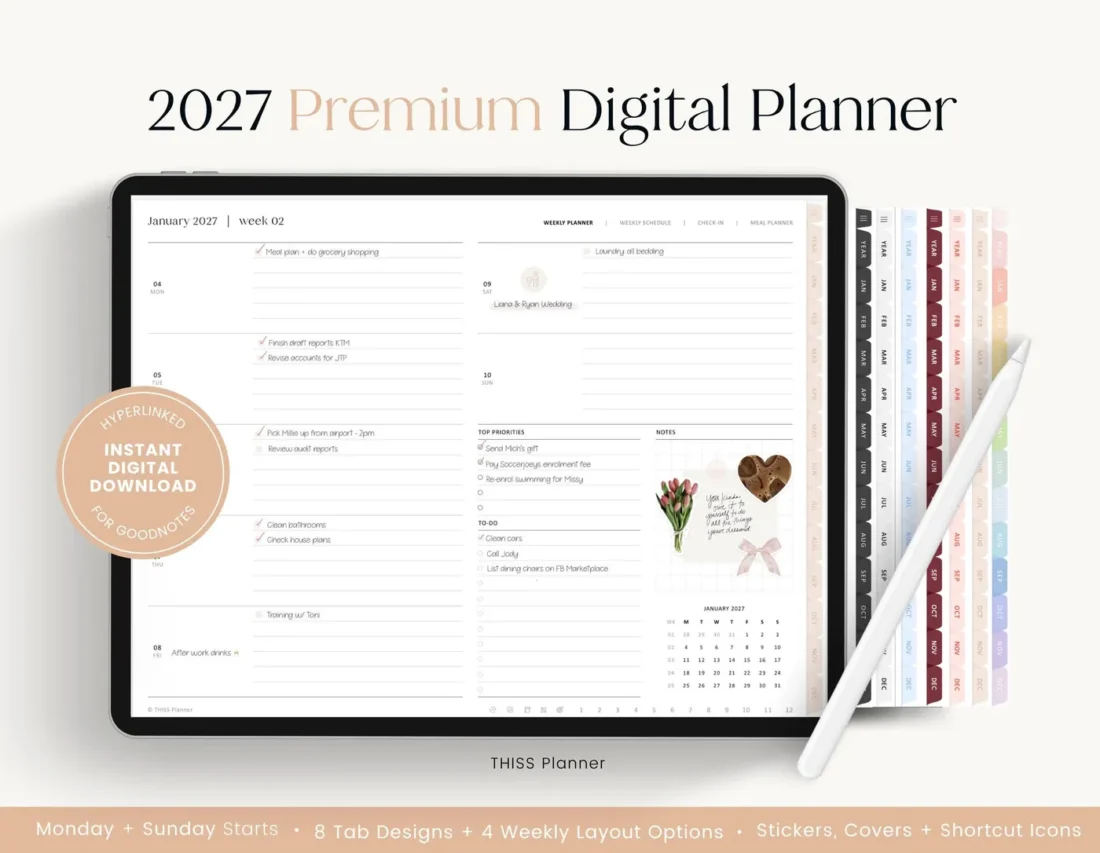
Start with the app that fits how you’ll use your iPad most. Then, if you’re planning, add a planner made for it: the THISS 2027 Digital Planner works in Goodnotes, Notability and most PDF note-taking apps that support a stylus.
Keep reading: Goodnotes vs Notability, How to use a digital planner in Goodnotes and What are digital planners?