How to Start a Reading Journal in 2027
Want to remember what you read this year? Here's how to start a reading journal in 2027, from a simple book log to review prompts, reading goals and lists.
Have you ever finished a book you loved, and a few months later couldn’t remember much more than the cover?
A reading journal fixes that. It’s a place to log what you read, jot down what you thought, and keep the lines you want to remember. Over a year, it becomes a little record of your reading life, and a great way to choose what to read next.
Here’s how to start one for 2027, whether you keep it on paper, in an app or in a digital journal on your iPad.
In a nutshell
- Start with three pages: a reading log, a to-be-read list and a short review for each book.
- Record the same few details for every book, so your journal is easy to look back on.
- Set a gentle reading goal for the year, then break it into months.
- Add extra lists, like a wishlist or a did-not-finish list, only when you need them.
- Write a little as soon as you finish each book, and look back once a month.
What is a reading journal?
A reading journal is a notebook (paper or digital) where you keep track of your reading. At its simplest, it’s a list of the books you’ve read. Most people add a few lines about each book, a list of books they’d like to read, and a goal or two for the year.
It’s different from a reading app because it’s yours to shape. You decide what to record, how much to write, and what it looks like.
Step 1: Choose your format
- A paper notebook is simple and lovely to flip through, but harder to search and reorganize.
- A reading app is quick for logging books, but you’re limited to the fields it gives you.
- A digital reading journal on your iPad sits in between: you write by hand with your Apple Pencil, but you can add pages, move them around and keep everything in one place in an app like Goodnotes or Notability.
There’s no wrong choice. Pick the one you’ll actually open when you finish a book.
Step 2: Set up your core pages
You only need three pages to begin:
- A reading log: one line per book, with the title, author and the date you finished it.
- A to-be-read (TBR) list: books you’d like to read next, so you’re never stuck for ideas.
- A review page for each book: a short page for your thoughts, a rating and a favorite quote.
Everything else can come later. Starting small makes it much more likely you’ll keep going.
Step 3: Decide what to record for each book
Choose a few details and record them for every book, so your journal stays consistent. Here’s a simple list to pick from:
- Title and author
- Genre
- Format: print, e-book or audiobook
- Start and finish dates
- Your rating
- A few lines on what you thought
- A favorite quote, with the page number
- Who you’d recommend it to
You don’t need to fill in every field for every book. A rating and one sentence is still a great entry.
Step 4: Set a reading goal for 2027
A reading goal gives your year a little direction. Keep it realistic and flexible, so it adds to your reading instead of making it a chore.
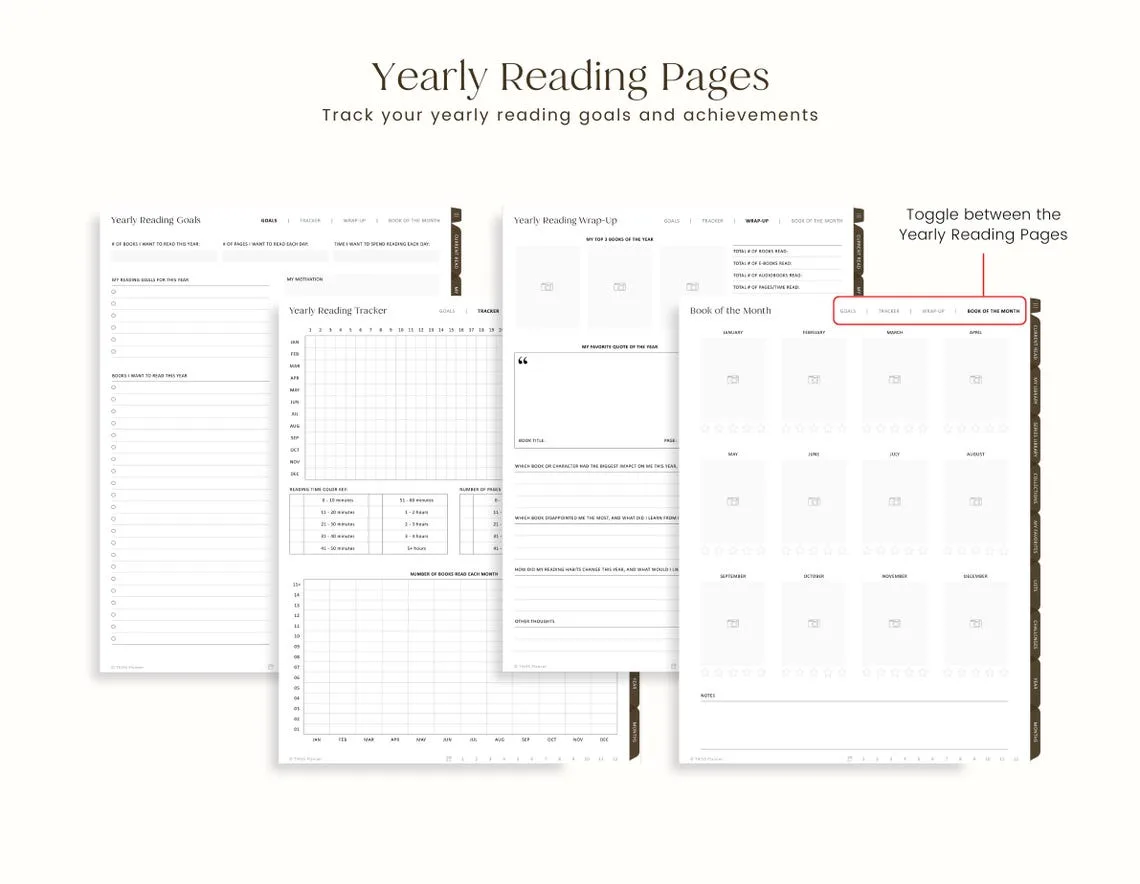
- A number of books, like one book a month.
- Time spent reading, like 15 minutes before bed.
- A variety goal, like trying a new genre each season, or reading more books by authors who are new to you. (Need ideas? Try these 52 reading challenge prompts for 2027.)
Then break it down. If your goal is 24 books, that’s two a month, which is much easier to keep track of on a monthly page. (Here’s more on how to set goals you will actually achieve.)
Step 5: Add lists you’ll actually use
Once your core pages feel easy, add the lists that suit the way you read. A few ideas:
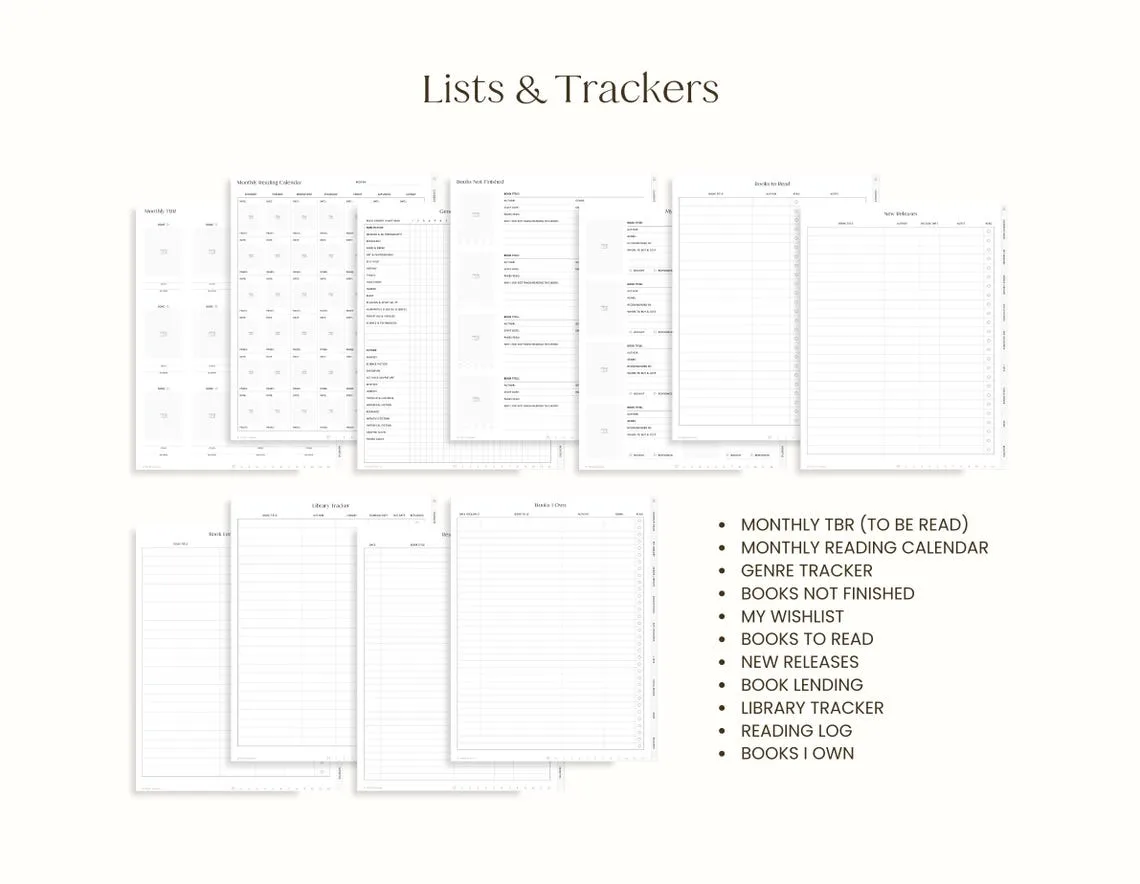
- Wishlist: books you’d like to buy or be gifted.
- Did not finish (DNF): books you put down, and why. It’s surprisingly useful for spotting what isn’t for you.
- Genre tracker: see which genres you reach for most.
- Library tracker: what you’ve borrowed and when it’s due back.
- Book lending: who has your books, so they find their way home.
- Series tracker: where you’re up to in each series.
- New releases: books you’re waiting for.
- Favorite quotes: all your best lines in one place.
Step 6: Make it a habit
- Write while it’s fresh. Add a book to your log and jot down a few thoughts as soon as you finish it. Five minutes is plenty.
- Keep it where you read. If you read in bed, keep your journal (or your iPad) nearby.
- Look back once a month. Count what you read, update your goal and move a few books from your TBR list to next month.
- Don’t aim for perfect. A messy, half-finished journal still beats a perfect one you never start.
Small, regular habits stick much better than big plans. (If you love that idea, here’s how Atomic Habits helps with planning every day.)
Reading journal prompts
Not sure what to write in a review? Pick one or two of these:
- What did this book make you feel?
- Which character or idea will stay with you?
- Was there a line you wanted to read twice?
- What surprised you?
- Did it live up to your expectations?
- What would you tell a friend about it, in one sentence?
- What do you want to read next because of it?
And at the end of the year, a quick wrap-up is lovely to look back on: your top three books, your favorite quote, the book that surprised you most, and how your reading changed.
Common questions
What should I write in a reading journal?
Start with the title, author, the date you finished and a rating. Add a few lines about what you thought, and a favorite quote if one stood out. That’s plenty.
Do I need to review every book?
No. Log every book so your list is complete, and write longer reviews only for the books you want to remember.
Can I keep a reading journal in Goodnotes?
Yes. A digital reading journal is a PDF you import into Goodnotes or Notability, then write in with your Apple Pencil, just like a paper journal. New to it? The getting started guide shows how to import one.
What is a DNF list?
DNF stands for “did not finish.” It’s a list of books you started but put down. Noting why you stopped helps you choose better books next time.
When should I start a reading journal?
Any time, but January 1 is a lovely fresh start. If you start mid-year, add the books you’ve already read this year from memory, then carry on.
A reading journal made for your iPad
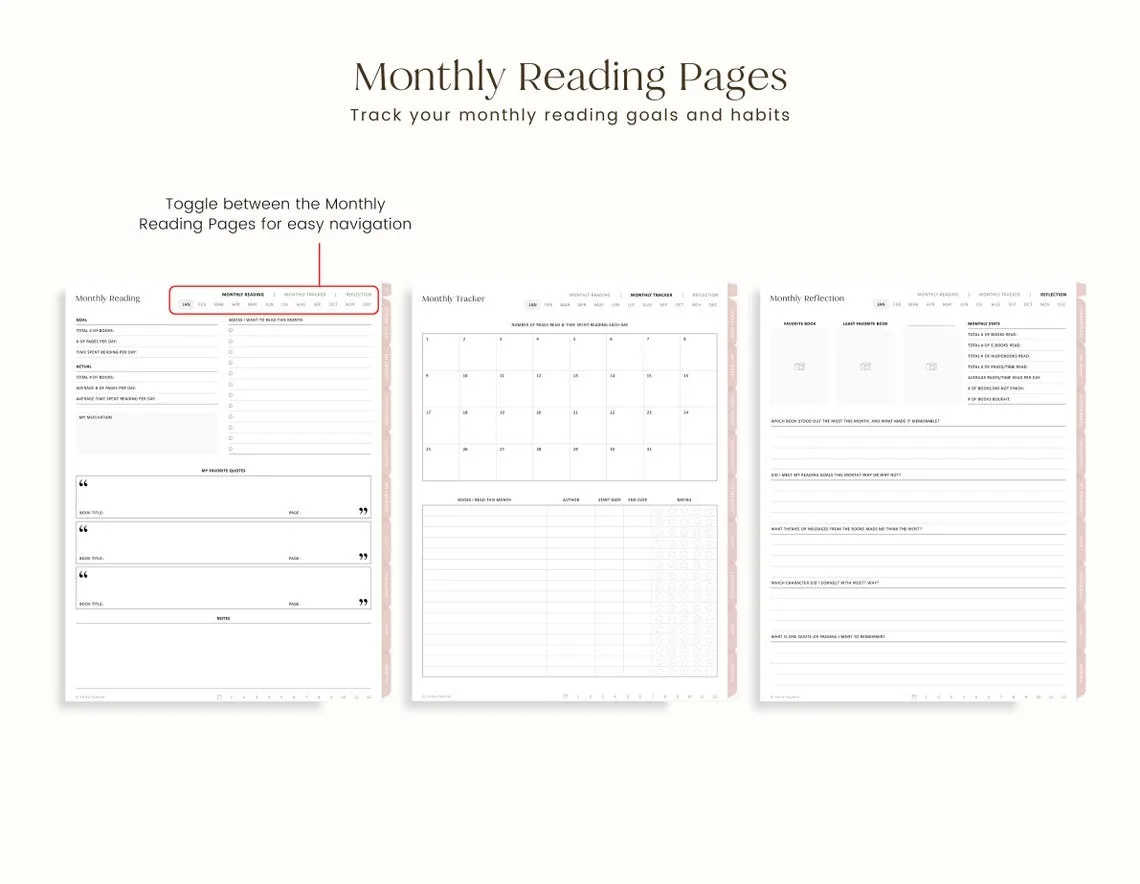
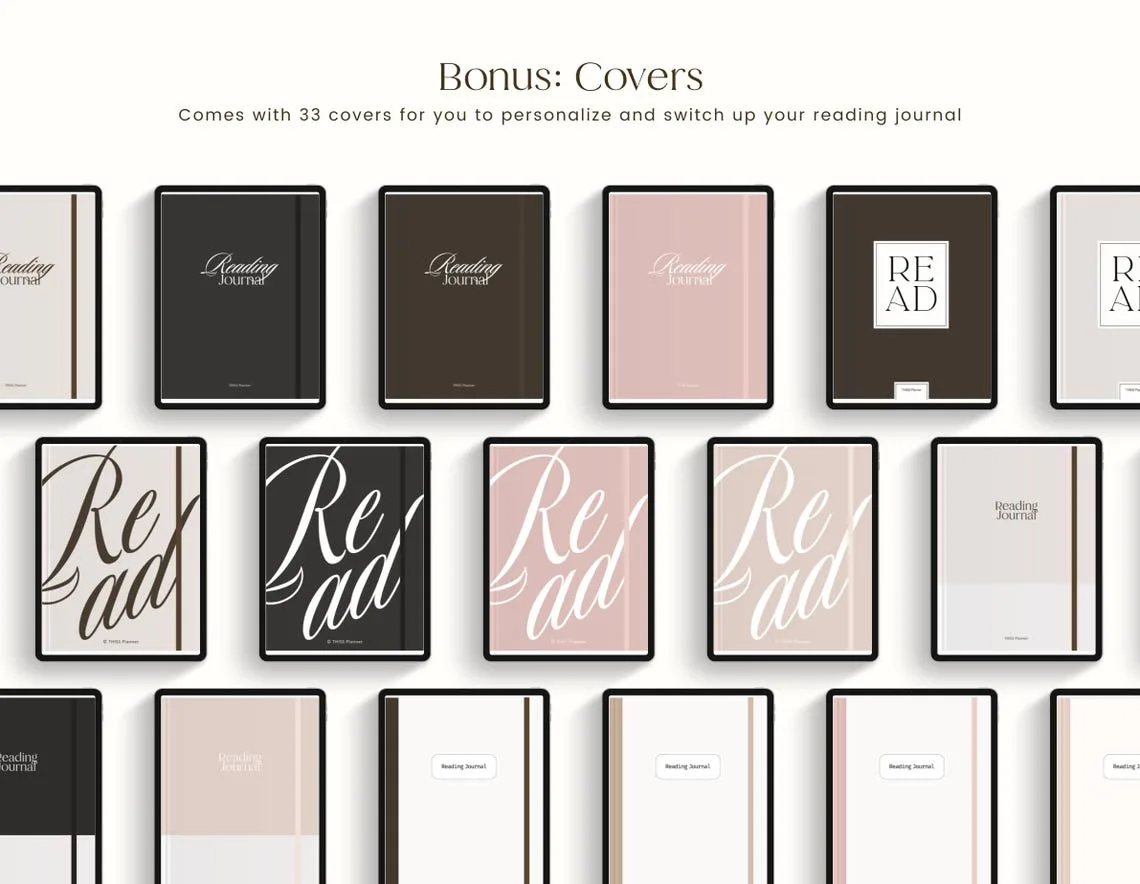
If you’d like everything ready to go, the THISS Digital Reading Journal has a reading log for books read, current reads and your TBR list, book review pages with space for your thoughts and favorite quotes, a genre tracker, monthly and yearly reading goals, and a wishlist and DNF list. It comes in 7 tab colors with 33 covers.
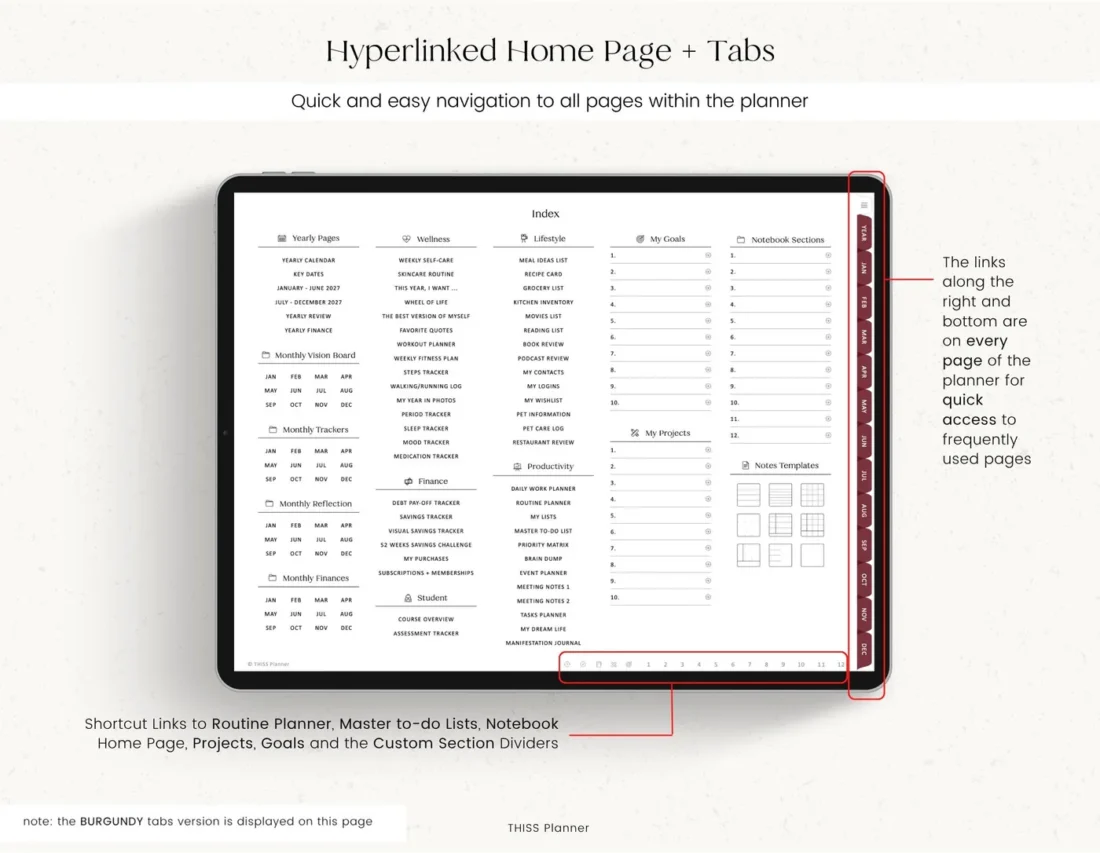
Already using a THISS planner? The 2027 Digital Planner includes a reading list and book review pages too.
Happy reading, and here’s to a wonderful year of books!
Keep reading: How Atomic Habits helps me plan every day, How to set goals you will actually achieve and How to set up your digital planner for 2027.